How to Send a Large Video from iPhone
If a video is too big to text, email or message, the reliable fix is to shrink the file before you send it. Here is how to send a large video from iPhone in a couple of minutes.
Quick answer: Compress the video with Kompresso first, then send it normally. Match the target size to where it is going — ~20 MB for email, ~16 MB for WhatsApp, a few MB for iMessage/MMS.
Why your video won't send
Every channel has a size ceiling, and iPhone footage clears it easily. iMessage compresses video but still fails on large clips; SMS/MMS caps around 1 MB depending on carrier; email tops out near 25 MB; and messaging apps sit between 8 and 64 MB. When a video exceeds the limit it either fails silently, gets crushed to mush, or refuses to attach.
Target sizes by app
- SMS / MMS text: ~300 KB–1 MB (carrier dependent).
- iMessage: works best under ~100 MB, but smaller sends far more reliably.
- Email: under ~20–25 MB.
- WhatsApp: under 16 MB as media.
- Discord: under 8–10 MB on a free account.
Compress, then send — step by step
- Open Kompresso and select your videoLaunch the app and tap to pick the clip from your Photos library. You can choose one video or several at once.
- Choose a preset or open AdvancedTap High, Medium or Low for a one-tap result, or switch to Advanced Options to set the bitrate, resolution, frame rate, format and codec yourself.
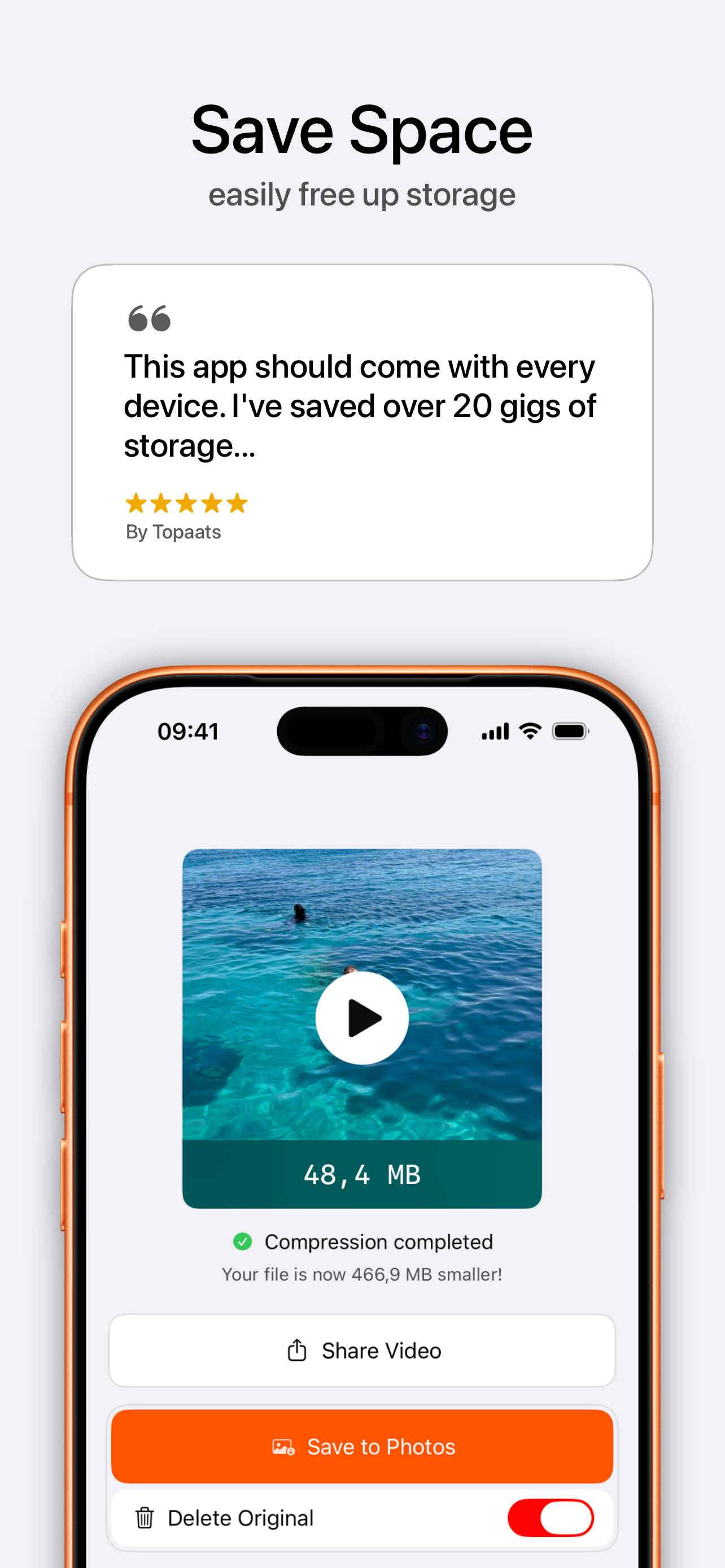
- Tap CompressKompresso uses your iPhone's hardware encoder to shrink the video fast. You'll see the new size and how much smaller it is before you save.
- Save or shareSave the compressed video back to Photos, or share it straight to email, WhatsApp, Discord and more. Toggle Delete Original to reclaim the space.

Free · offline · no watermark
When the video is genuinely huge
For a long 4K movie that still will not fit even after compressing, either use batch/hard compression to H.265 at 720p, or compress it to a reasonable size and share via a cloud link (iCloud Mail Drop, Google Drive). But for the vast majority of clips, a single pass in Kompresso gets them under the limit. See the app-specific guides for email, WhatsApp and Discord.